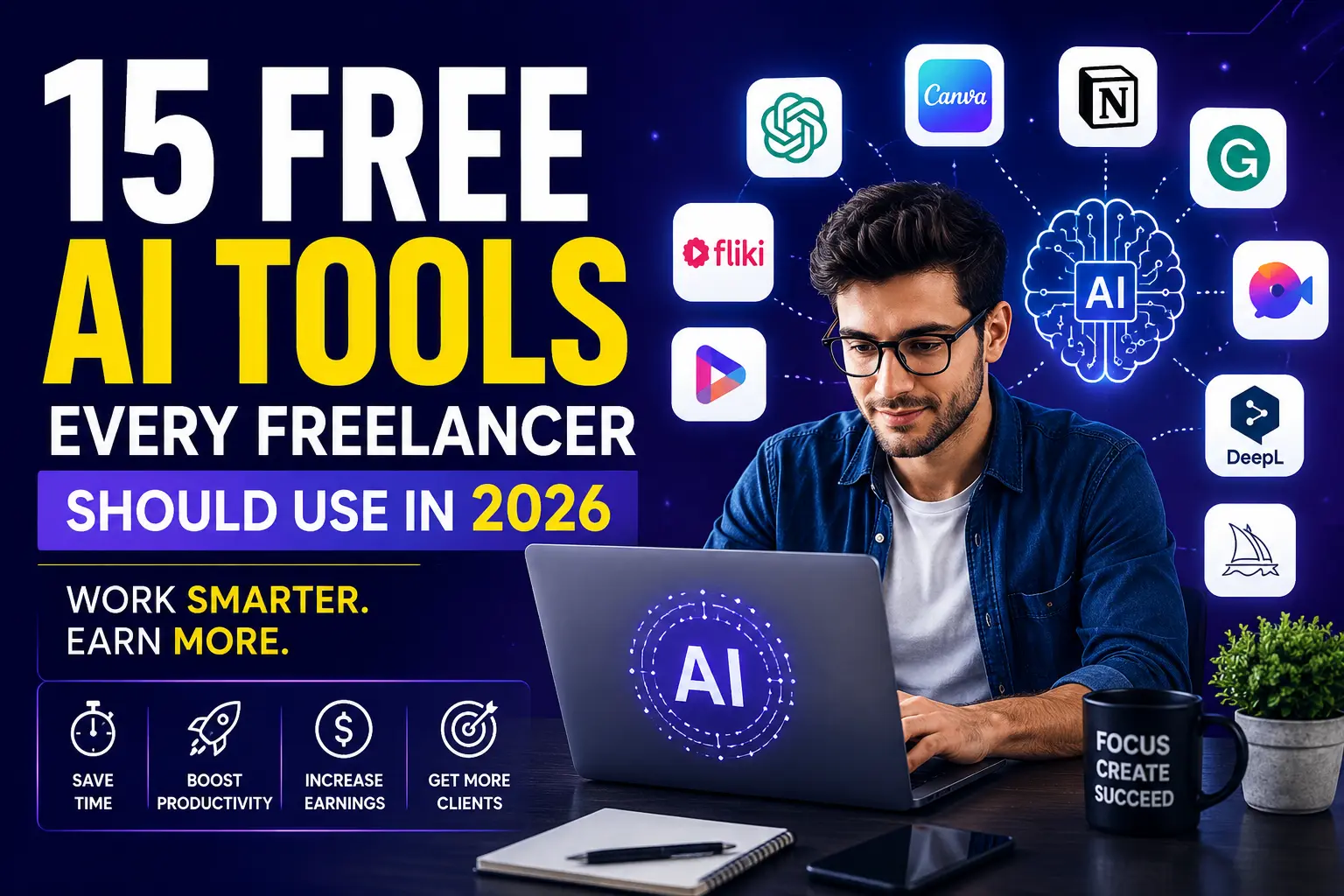
15 Best Free AI Tools Every Freelancer Needs in 2026
The freelance world is changing faster than ever.
Clients expect faster delivery, better quality, professional communication, eye-catching designs, engaging videos, and competitive prices. Meanwhile, freelancers who rely only on traditional methods are finding it harder to keep up.
But here’s the secret:
Many successful freelancers are quietly using AI tools to complete tasks in a fraction of the time. What once took hours can now be done in minutes.
The best part?
You don’t need expensive subscriptions to get started. Many of the most powerful AI tools offer free plans that are more than enough for beginners and growing freelancers.
In this guide, you’ll discover 15 free AI tools that can help you write faster, design better, create videos, communicate professionally, and increase your earning potential in 2026.
Let’s dive in.
1. ChatGPT
Best For:
Writing, research, brainstorming, coding, client communication, and productivity.
ChatGPT has become one of the most useful AI assistants for freelancers. Whether you’re writing blog posts, creating proposals, generating social media captions, or solving technical problems, it can save hours every week.
Why Freelancers Love It:
- Generates content quickly
- Helps create client proposals
- Assists with coding tasks
- Generates business ideas
- Improves productivity
Free Plan:
Available
2. Grammarly
Best For:
Grammar checking and professional communication.
Clients notice mistakes. Grammarly helps ensure your emails, proposals, blog posts, and reports look professional.
Key Features:
- Grammar correction
- Spelling fixes
- Tone suggestions
- Readability improvements
Free Plan:
Available
3. Canva AI
Best For:
Designing social media graphics, thumbnails, presentations, and marketing materials.
Canva AI allows anyone to create professional designs without graphic design experience.
Key Features:
- AI-powered design generation
- Thousands of templates
- Thumbnail creation
- Social media graphics
Free Plan:
Available
4. Fliki
Best For:
Converting text into videos.
Fliki helps freelancers create videos using AI voices and automated visuals.
Key Features:
- Text-to-video generation
- AI voiceovers
- Multiple languages
- Easy editing
Free Plan:
Available
5. InVideo AI
Best For:
YouTube content and client video projects.
Simply provide a prompt, and InVideo AI can generate a complete video.
Key Features:
- AI script generation
- Video automation
- Stock footage access
- Fast production
Free Plan:
Available
6. Vidnoz AI
Best For:
AI avatars and talking videos.
Vidnoz enables freelancers to create presenter-style videos without appearing on camera.
Key Features:
- AI avatars
- Text-to-speech
- Video templates
- Multiple languages
Free Plan:
Available
7. Perplexity AI
Best For:
Research and fact-finding.
Most freelancers still rely entirely on traditional search engines. Perplexity AI combines AI answers with source references, making research much faster.
Why It Stands Out:
- Quick answers
- Source citations
- Better research workflow
- Time-saving
Free Plan:
Available
8. Notion AI
Best For:
Project management and note-taking.
Freelancers often manage multiple clients. Notion AI helps organize tasks, projects, documents, and ideas.
Key Features:
- Task management
- AI summaries
- Content drafting
- Project planning
Free Plan:
Available
9. Claude AI
Best For:
Long-form writing and document analysis.
Claude excels at handling large amounts of information and generating detailed responses.
Key Features:
- Long content generation
- Document summaries
- Research assistance
- Business writing
Free Plan:
Available
10. DeepL
Best For:
Translation and multilingual projects.
DeepL produces natural translations and is widely used by international freelancers.
Key Features:
- Accurate translation
- Multiple languages
- Professional writing support
Free Plan:
Available
11. Otter AI
Best For:
Meeting transcription.
Otter AI converts conversations and meetings into text automatically.
Key Features:
- Speech-to-text
- Meeting notes
- Searchable transcripts
Free Plan:
Available
12. Remove.bg
Best For:
Background removal.
Removing image backgrounds manually can take time. Remove.bg does it instantly.
Key Features:
- One-click background removal
- High-quality output
- Fast processing
Free Plan:
Available
13. Leonardo AI
Best For:
AI image generation.
Freelancers can create illustrations, social media graphics, concept art, and marketing visuals.
Key Features:
- AI image creation
- Multiple styles
- Commercial usage options
Free Plan:
Available
14. ElevenLabs
Best For:
AI voice generation.
ElevenLabs produces highly realistic AI voices for videos, presentations, and content creation.
Key Features:
- Natural voice generation
- Multiple languages
- Voice cloning options
Free Plan:
Available
15. Site123 AI Website Builder
Best For:
Creating websites for clients.
Freelancers offering web design services can quickly build websites without coding knowledge.
Key Features:
- AI website creation
- Drag-and-drop editor
- Mobile-friendly designs
- Fast deployment
Free Plan:
Available
How Freelancers Can Combine These Tools
A smart freelancer doesn’t use just one AI tool.
Here’s a powerful workflow:
- Research using Perplexity AI.
- Write content using ChatGPT or Claude.
- Check grammar with Grammarly.
- Create graphics using Canva AI.
- Generate videos with Fliki or InVideo AI.
- Add voiceovers using ElevenLabs.
- Build websites using Site123.
This workflow can dramatically reduce workload while improving quality.
Final Thoughts
AI is no longer optional for freelancers.
The freelancers earning the most in 2026 are not necessarily the most talented. They’re often the ones using the right tools to work faster and smarter.
The good news is that every tool listed above offers a free plan, allowing you to test and integrate them into your workflow without spending money.
Start with just two or three tools today. Once you experience the time savings, you’ll wonder how you ever worked without them.
The future of freelancing belongs to those who embrace AI.
Leave a Reply